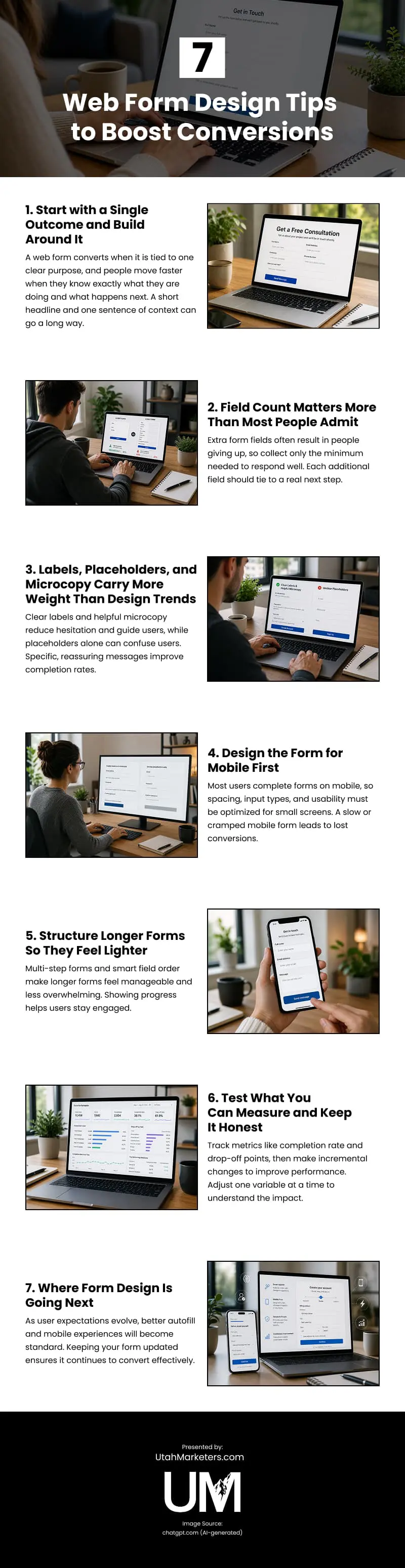
Effective web forms play a major role in turning website visitors into leads, yet many businesses unintentionally create forms that feel overwhelming, confusing, or frustrating to complete. Successful forms start with a single clear objective so users immediately understand what the form is for and what will happen after submission. Simplicity matters, especially when it comes to the number of fields included. Every unnecessary question increases friction and raises the likelihood that potential customers abandon the form before finishing. Clear labels, concise instructions, and supportive microcopy are equally important because they reduce hesitation and guide users through the process with confidence. Mobile optimization has also become essential, since many users now complete forms on phones rather than desktops. Proper spacing, easy-to-tap buttons, responsive layouts, and mobile-friendly input fields all improve usability and reduce lost conversions. For forms that require more information, breaking content into multiple steps can make the process feel less intimidating while progress indicators help maintain engagement. Businesses should also regularly measure performance by tracking completion rates, drop-off points, and user behavior, so improvements can be made based on real data rather than assumptions. Testing small adjustments individually allows businesses to better understand which changes improve conversions. As user expectations continue evolving, fast-loading mobile experiences, autofill functionality, and streamlined form design will become even more important. Businesses that prioritize clarity, simplicity, and usability in their forms create smoother customer experiences and increase the likelihood of turning visitors into qualified leads.
source: https://www.utahmarketers.com/optimizing-web-form-design-for-better-conversion/
Comments
Download this infographic.